Diesel Auto Power Case Study | JEPS Consulting
Case Study • Fishbowl • SFTP • Miva • Inventory Visibility

Diesel Auto Power — From Fishbowl Inventory to Website Visibility

Diesel Auto Power needed a cleaner way to receive outside inventory, tie it back to Fishbowl, match it into Miva, and turn it into customer-facing website visibility. This project turned a disconnected process into a structured inventory pipeline with a real operational backbone behind it.

Client: Diesel Auto Power Industry: Diesel Performance Parts Systems: Fishbowl, Miva, SFTP Focus: Vendor Intake + Website Inventory
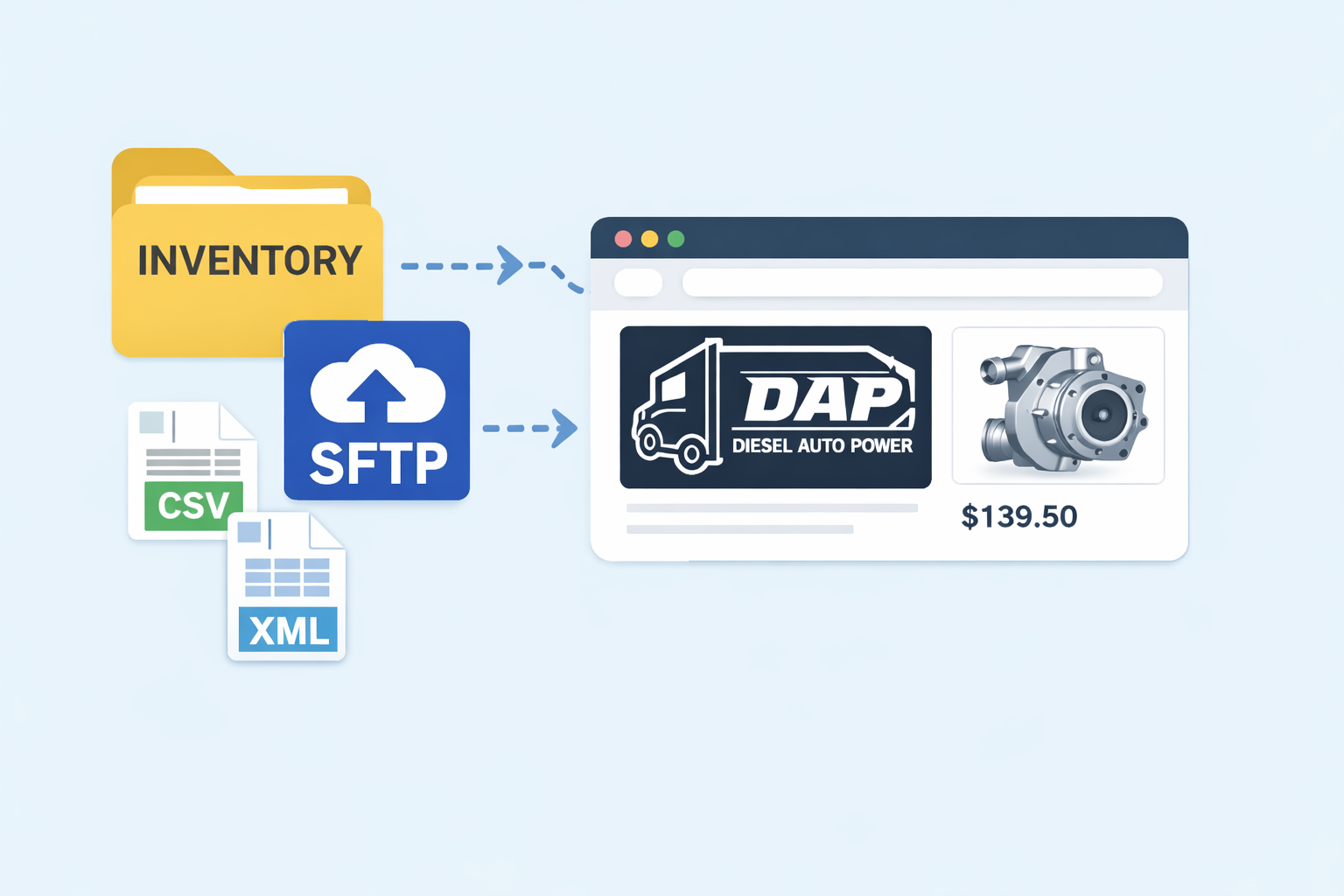
Diesel Auto Power inventory flow case study graphic Diesel Auto Power inventory flow
The challenge

The data existed, but it was not flowing cleanly to the people who needed it.

Diesel Auto Power already had inventory data inside Fishbowl, but outside vendor inventory and website visibility were still disconnected. Incoming files could arrive in inconsistent formats, regional ownership needed to stay controlled internally, and the website had no clean way to show meaningful availability to customers.

Before

Inventory lived internally, but the path from outside supplier files to usable website visibility was fragmented.

  • Vendor and dealer inventory needed a more standardized intake path
  • Regional ownership could not be trusted to come from outside CSV files
  • Miva needed a reliable product matching and publishing workflow
  • Customers browsing the site could not see practical regional availability
What needed to happen

The fix had to be more than a front-end tweak. The intake, matching, and website layers all had to work together.

  • Control inbound inventory through a repeatable SFTP process
  • Keep Fishbowl as the source of truth for vendor setup and region ownership
  • Match incoming inventory to Miva products in a maintainable way
  • Turn the result into customer-facing product-page visibility
Operational focus Replace fragile manual handling with a structured intake path.
Technical focus Connect Fishbowl, SFTP intake, Miva matching, and website display.
Business focus Make inventory more usable both internally and outwardly.
How the solution came together

First control the intake. Then make the website result possible.

The visible website result only worked because the messy pieces underneath it were solved in the right order. Intake had to be controlled first, ownership had to stay inside Fishbowl, and matching into Miva had to be reliable enough to publish customer-facing inventory.

1. Intake control

I built the intake foundation around a secure SFTP workflow tied back to vendor setup inside Fishbowl.

  • FTP on the vendor record controlled whether SFTP access should exist
  • Region on the vendor record assigned Central, East, or West ownership
  • Diesel Auto Power could manage the operational side from Fishbowl instead of living in the SFTP server

2. Matching logic

Once intake was controlled, the next problem was turning outside files into usable website data without trusting fragile file structure too much.

  • Miva already had native inventory support enabled
  • Product Codes were the strongest stable key for matching
  • Region ownership stayed internal instead of relying on outside vendor files

3. Website output

With the backend path validated, website inventory could be pushed into a display layer customers could actually use.

  • Inventory could be published into the product page
  • The front-end presentation could vary without rebuilding the underlying workflow
  • The hard part became operationally solved, not just visually mocked up
Step 01

Vendor files arrive

Outside inventory comes in through the controlled SFTP intake path.

Step 02

Fishbowl keeps control

Vendor setup and region ownership stay managed inside Fishbowl.

Step 03

Miva products are matched

Incoming inventory is normalized and tied to the right website products.

Step 04

Inventory is published

The website can now surface meaningful availability to the customer.

Website result

The backend stayed flexible, so the front-end did not have to be one-size-fits-all.

Once the update path was working, the remaining decisions became mostly visual. The same backend process could support different display directions without rebuilding the actual workflow underneath it.

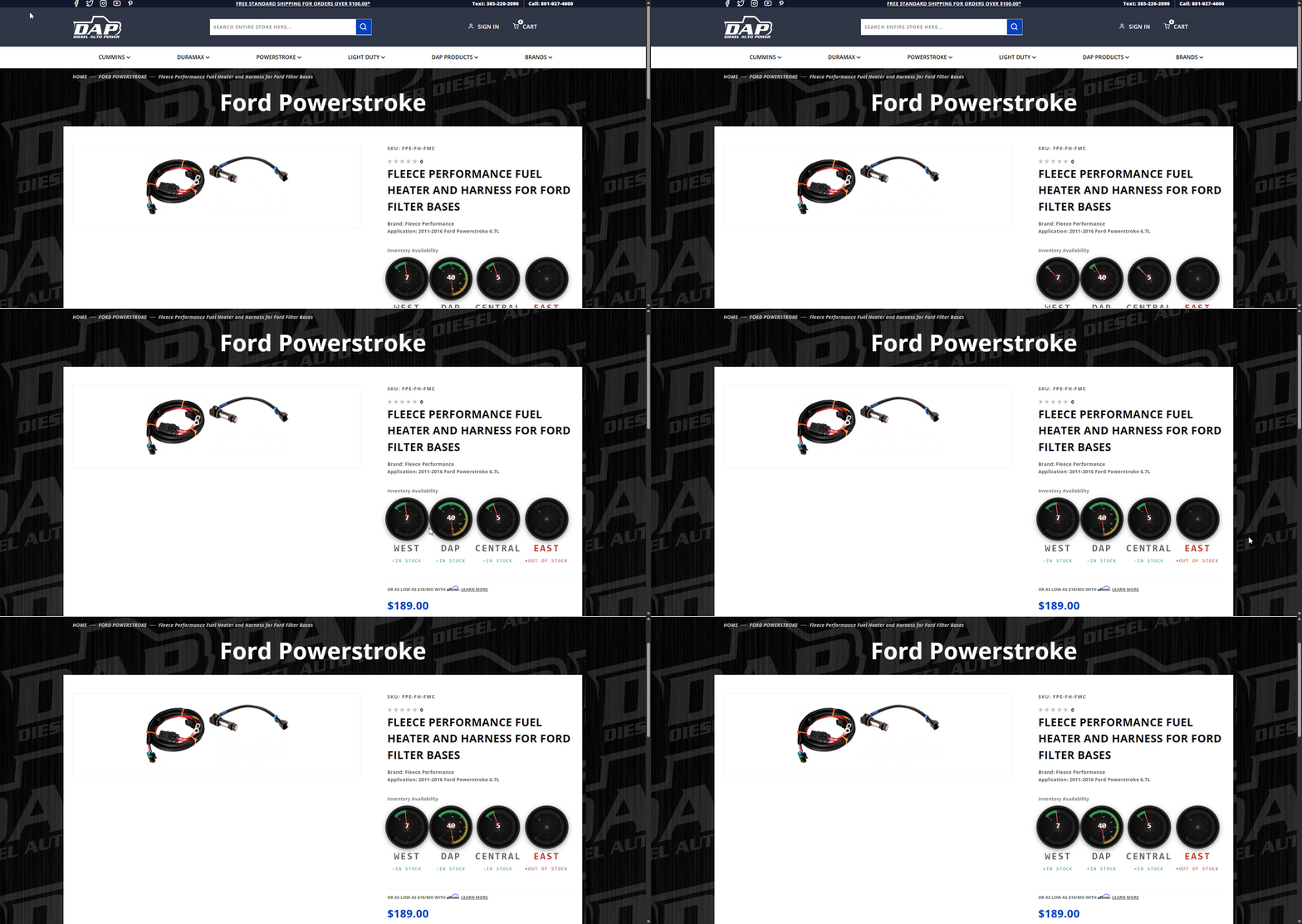
Diesel Auto Power website inventory visibility example
Customer-facing visibility

The site could now display meaningful availability information instead of leaving that part invisible to the customer.

Diesel Auto Power display direction example
Flexible display direction

Different visual treatments could be explored without changing the intake and matching foundation behind them.

Why this mattered
This was not just about putting numbers on a page. It created a structured path from outside inventory files to customer-facing website visibility, while keeping operational control centered inside Fishbowl.
The website display is the part people can see. The real value is the system underneath it.
Outcome

By the end, the hard part was solved.

The intake foundation was built, the Miva update path was validated, and the product-page display logic was working. At that point, the remaining choice was mostly visual rather than technical.

What Diesel Auto Power gained

  • A cleaner intake process for outside inventory files
  • Fishbowl-centered operational control instead of scattered manual setup
  • A more usable path for regional inventory assignment
  • A workflow for matching and publishing inventory into Miva
  • A website display layer that could be adjusted without rebuilding the backend

My role in the project

  • Workflow design
  • Fishbowl-side control structure
  • SFTP intake concept and implementation
  • Miva discovery and validation
  • Inventory matching direction
  • Website display prototyping
  • Client-facing explanation of tradeoffs like performance and display behavior

Need this kind of system for your own operation?

I build practical workflows that connect the messy parts between ERP, inventory, file intake, and the systems people actually use.

Get in Touch

Scroll to Top